What you actually see when you sign in
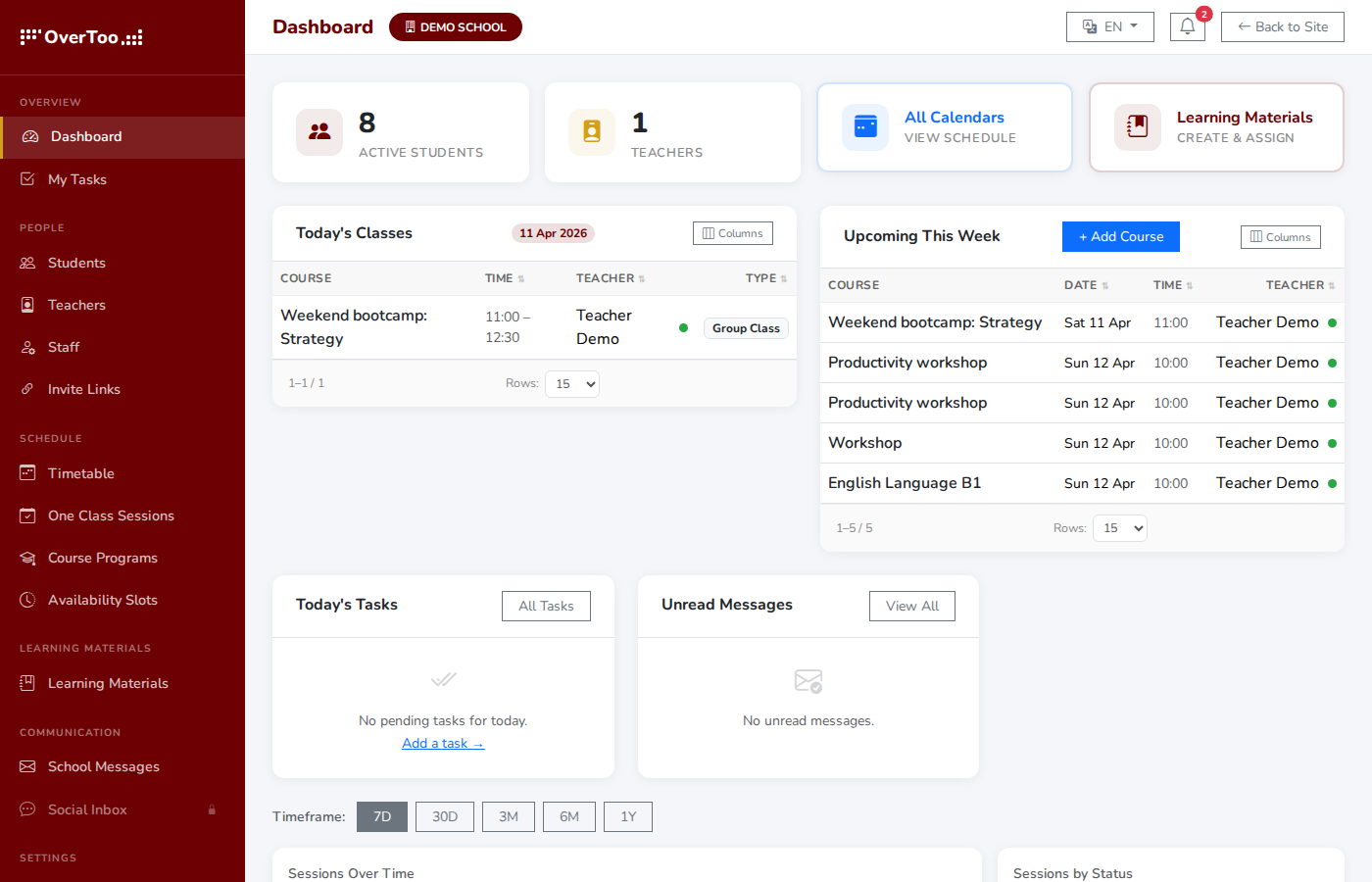
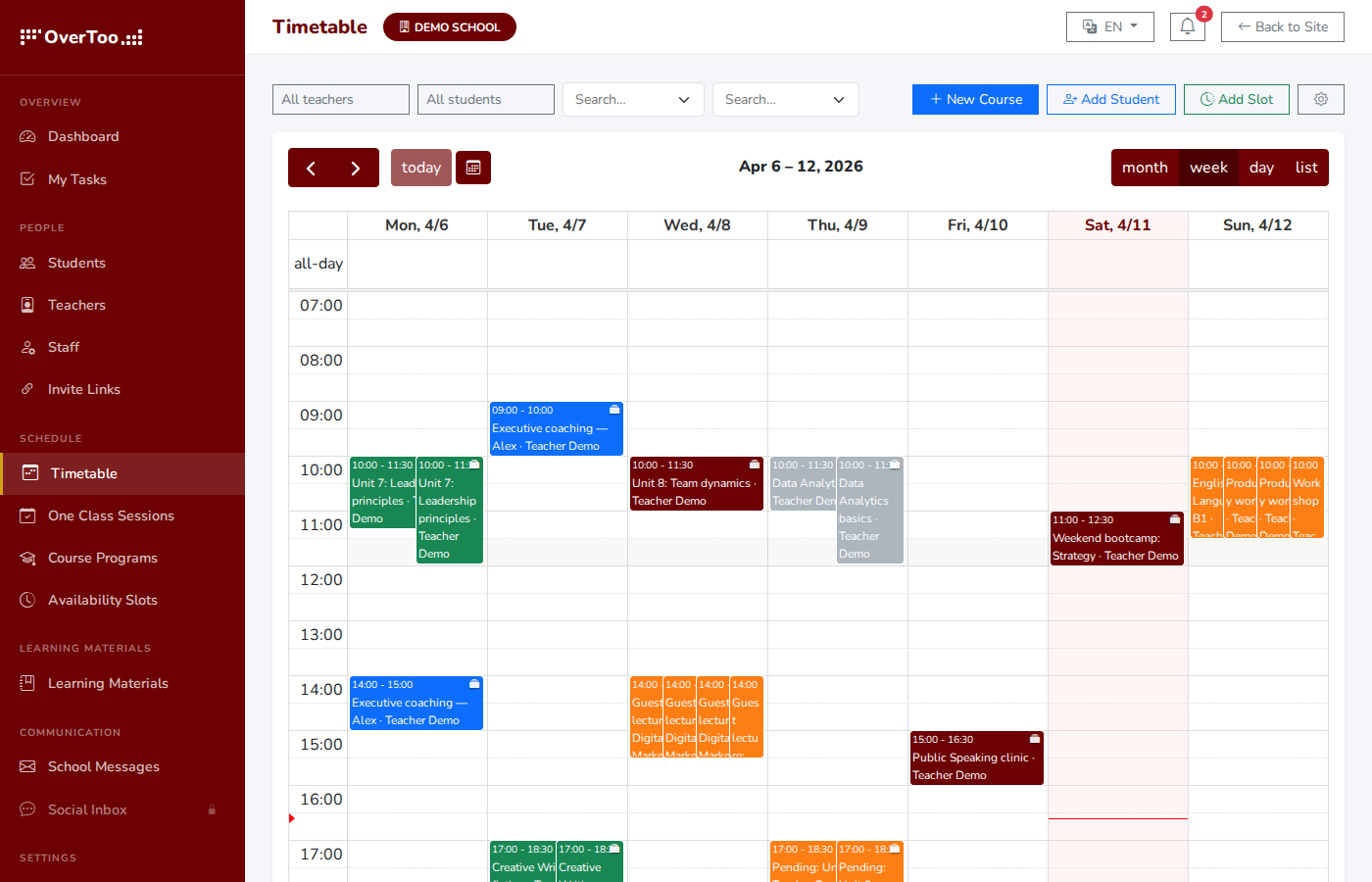
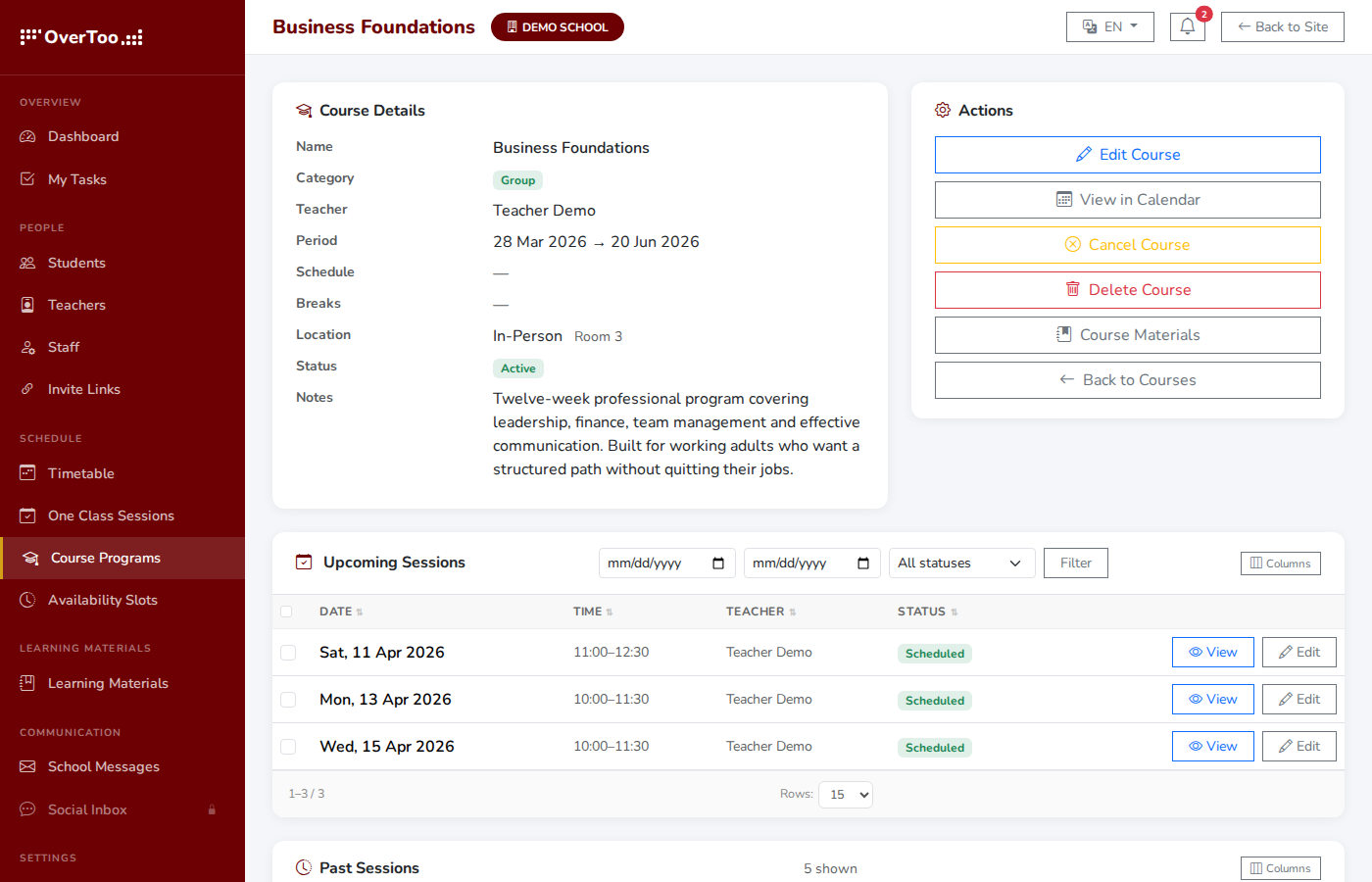
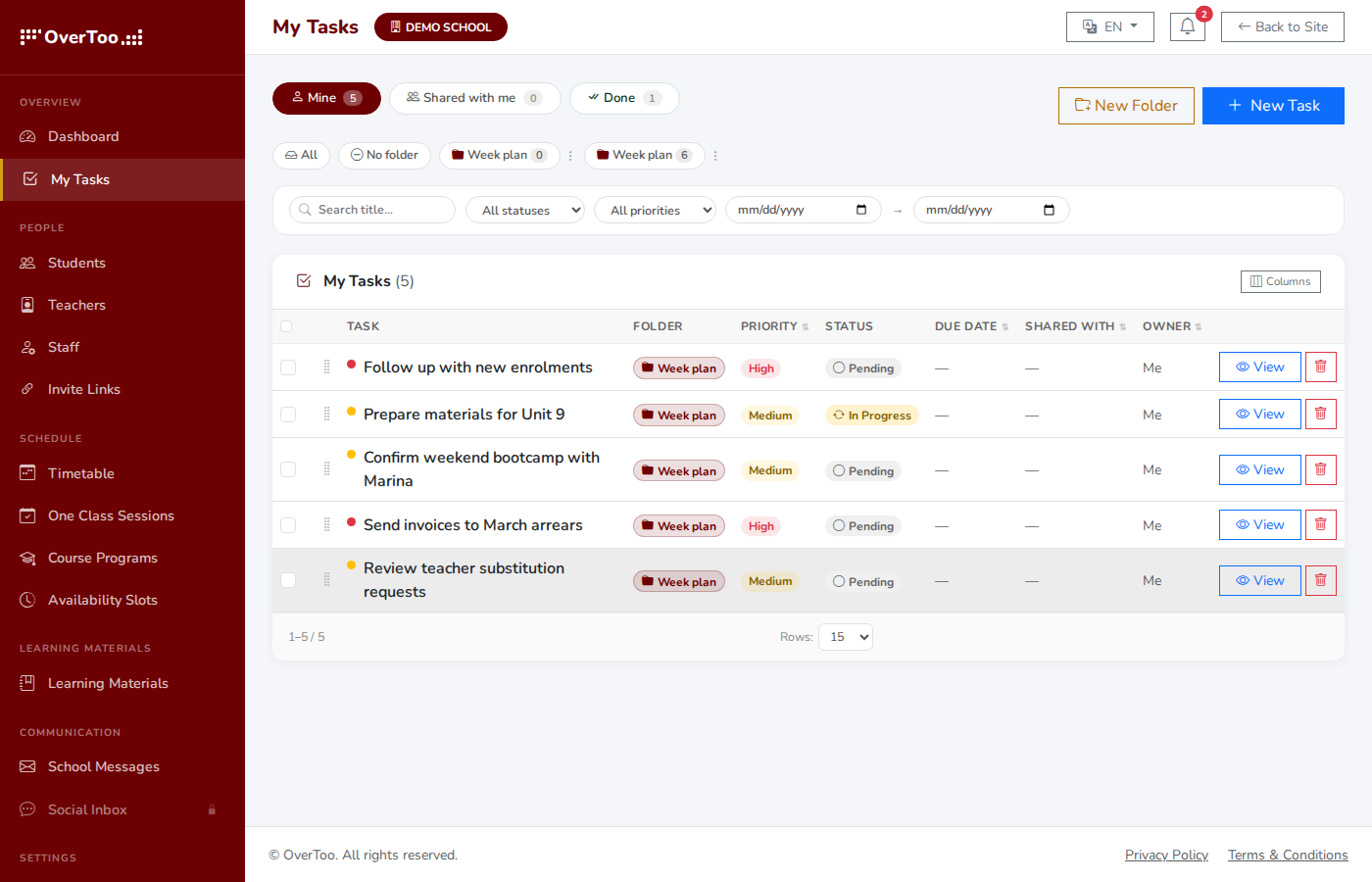
Real screenshots from inside OverToo. Each role (administrator, instructor, student) gets a focused workspace with only what they need.
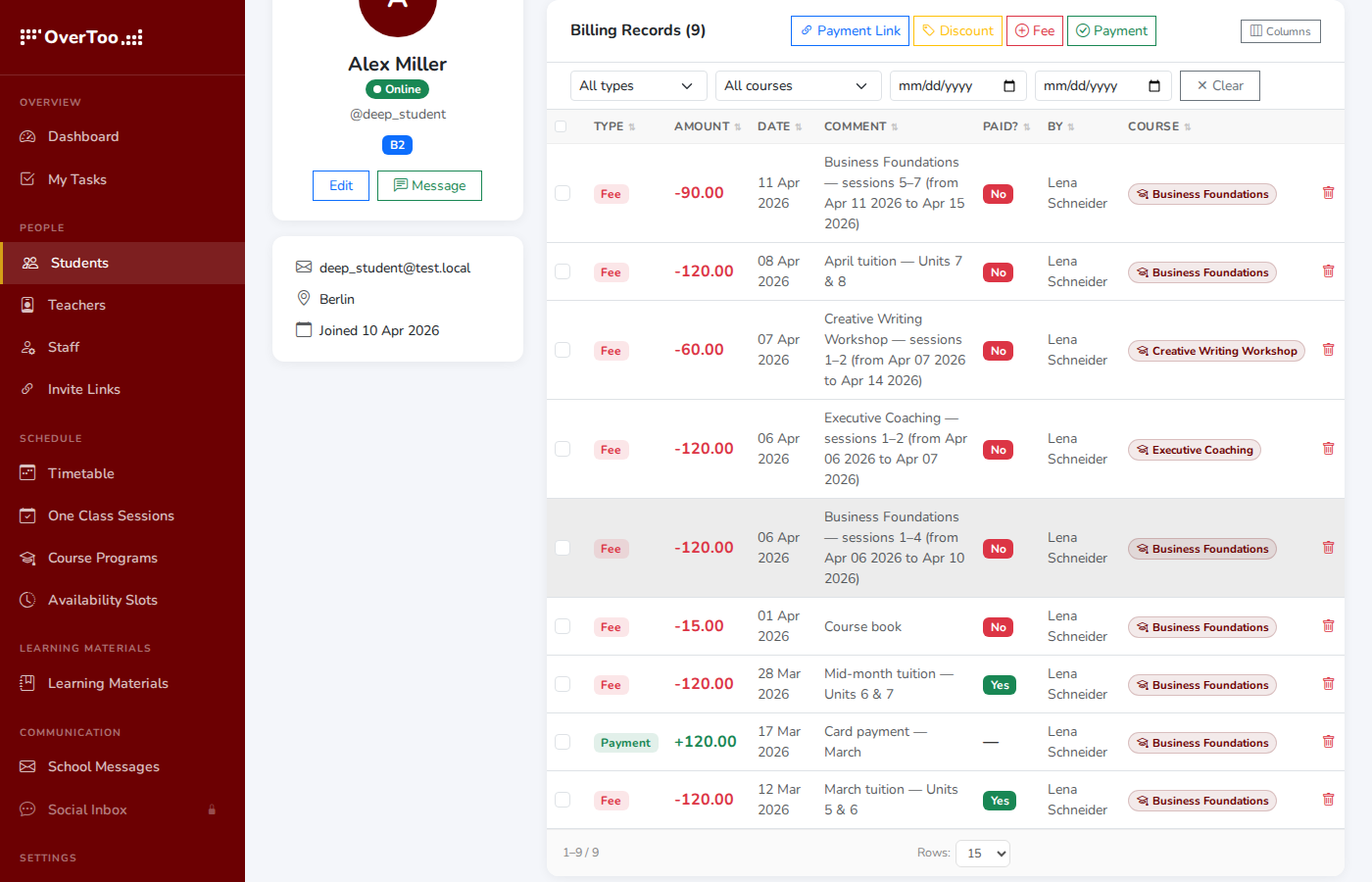
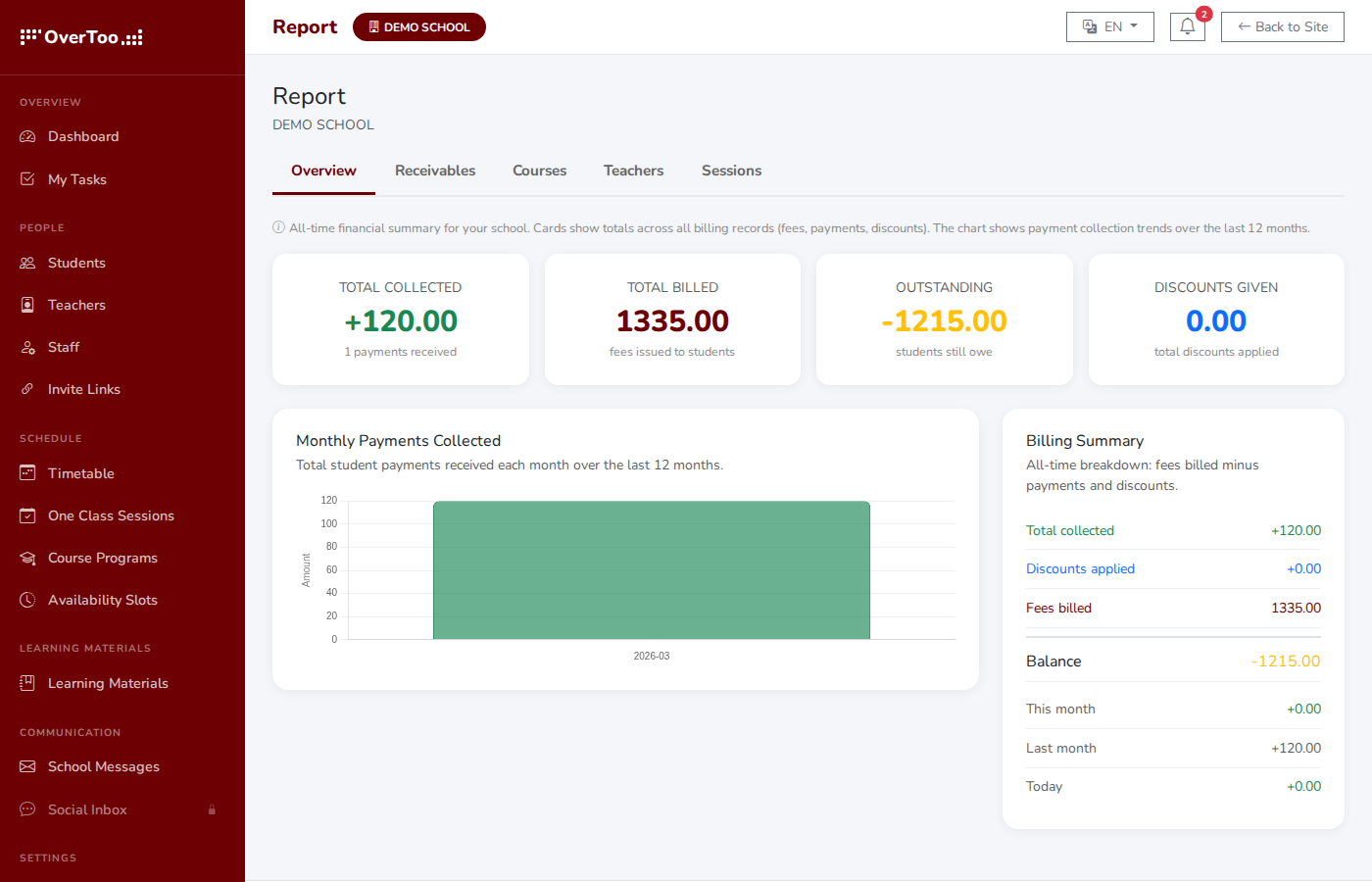
Start Free TrialRun your whole school operation from one screen
Students and instructors/teachers, class and course schedules, billing, reports, settings: administrators see all of it. Add a student, schedule a class, set up payment methods, check who paid. No tab switching.
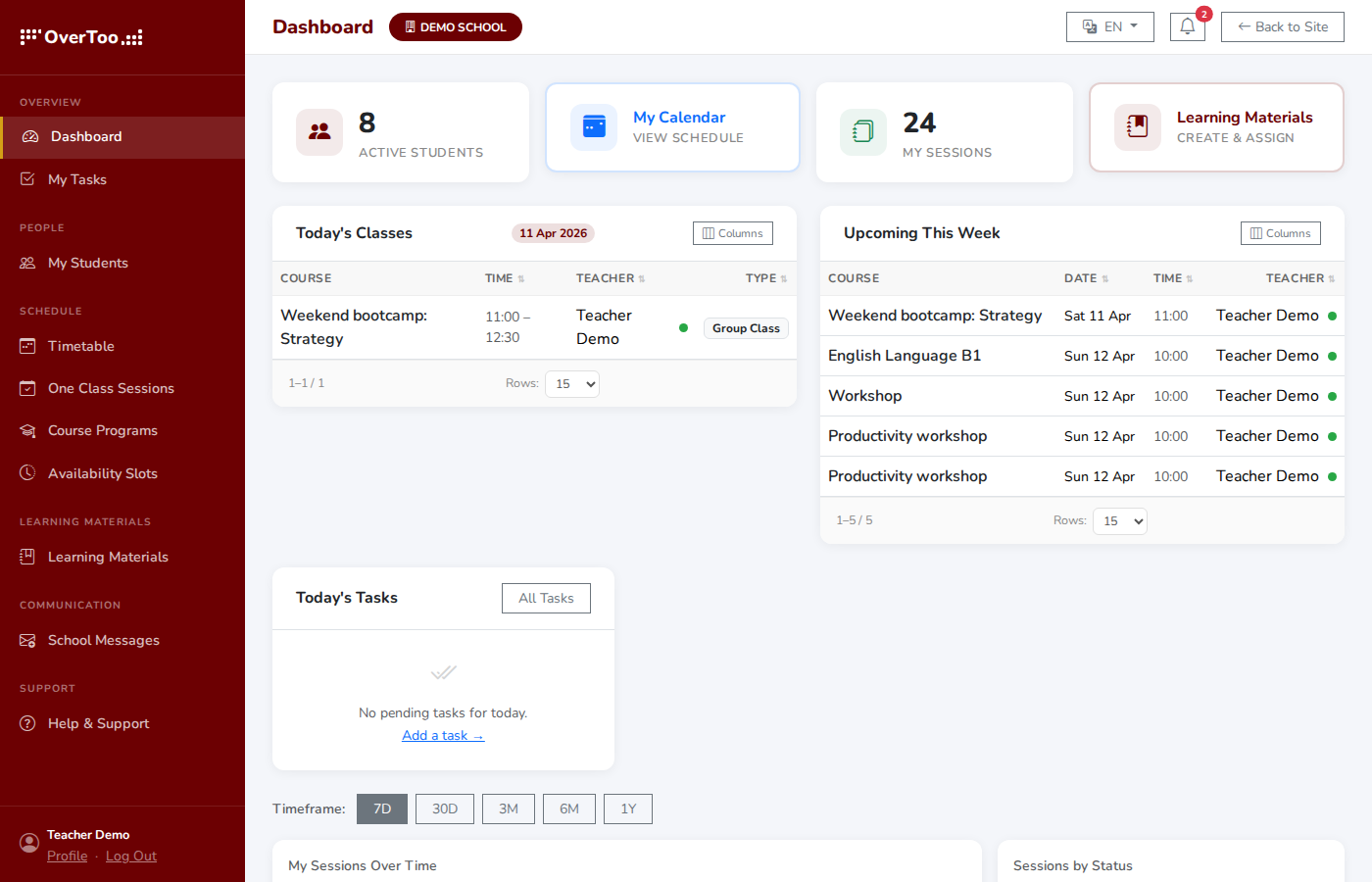
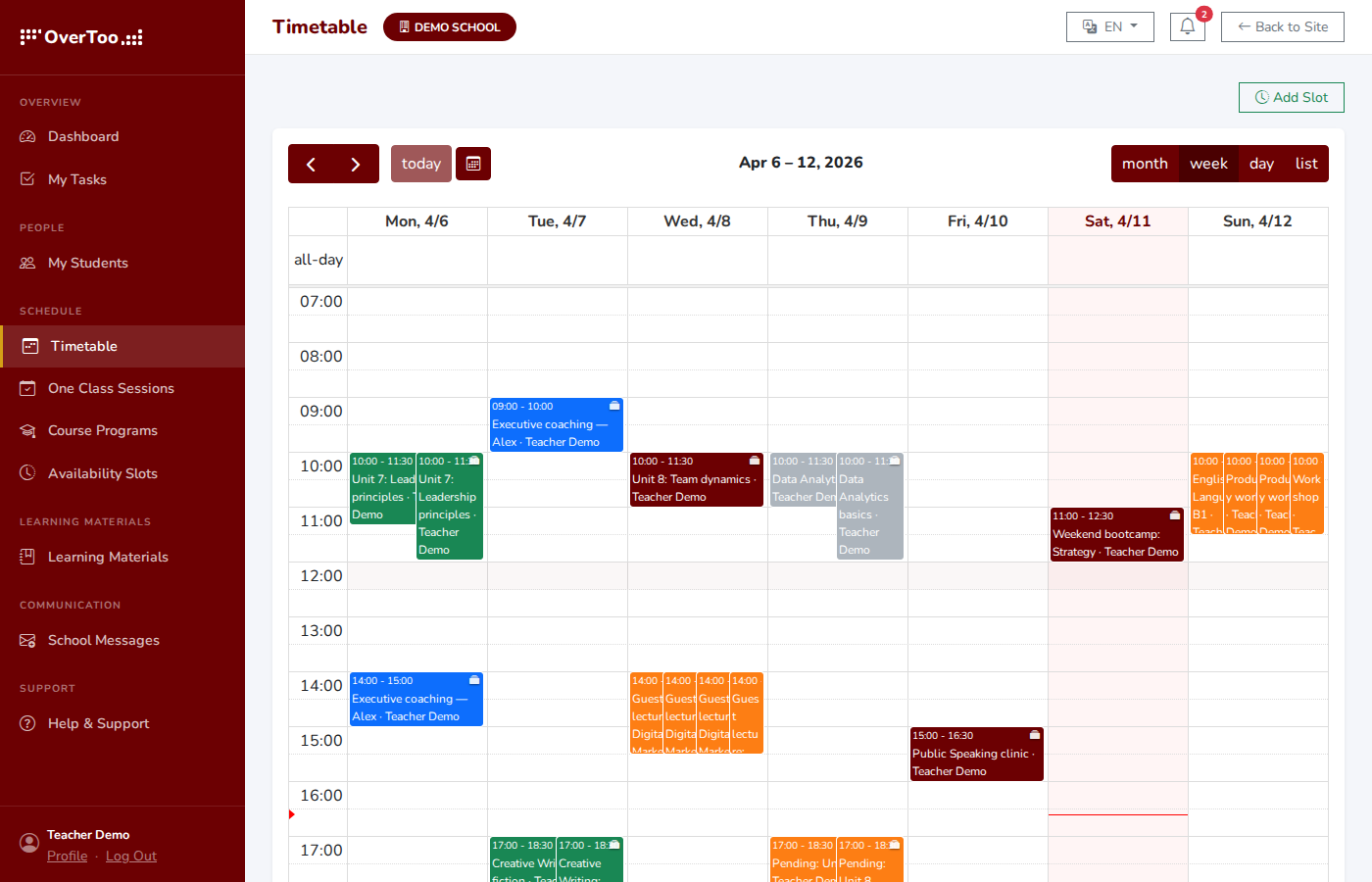
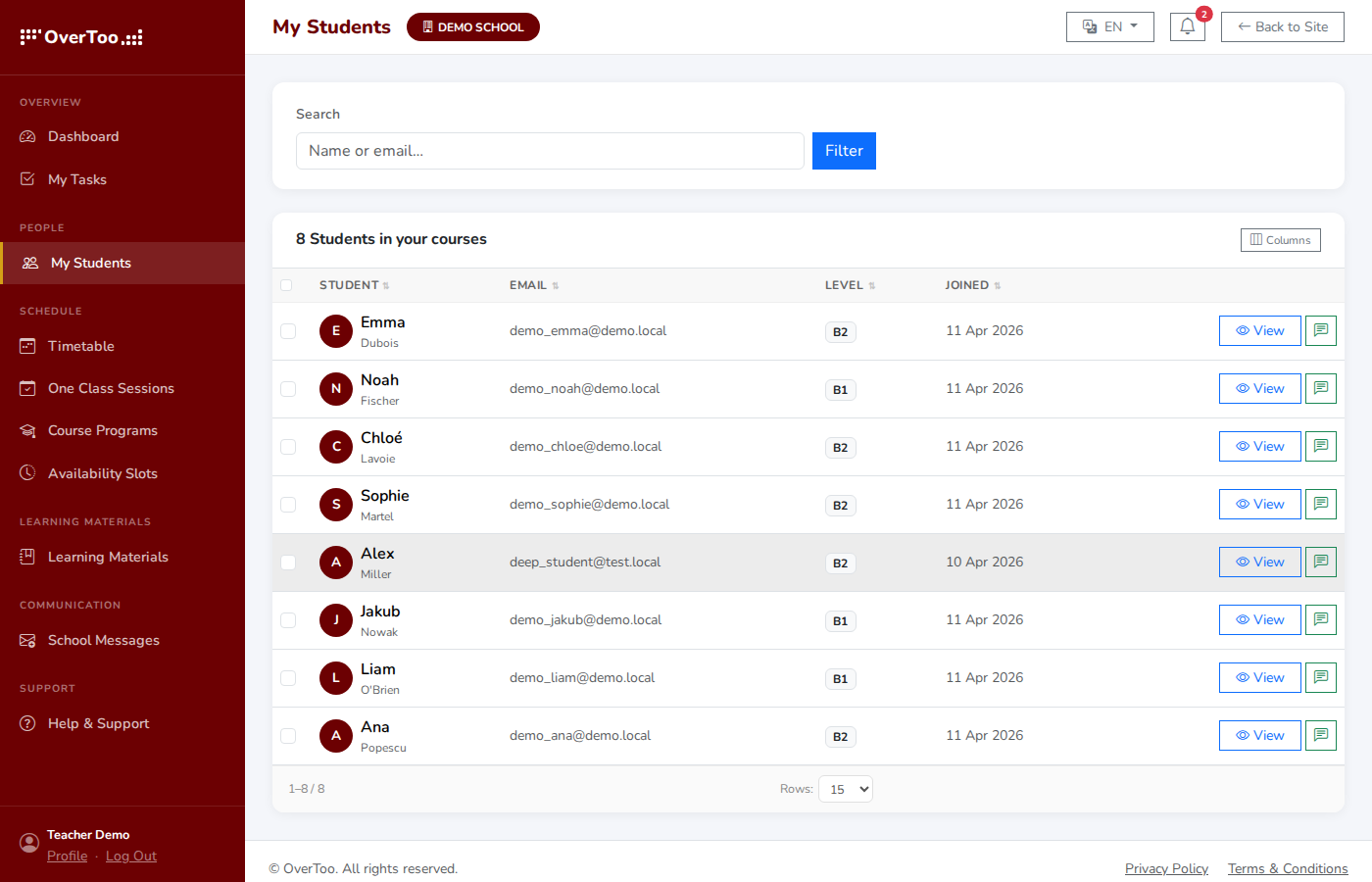
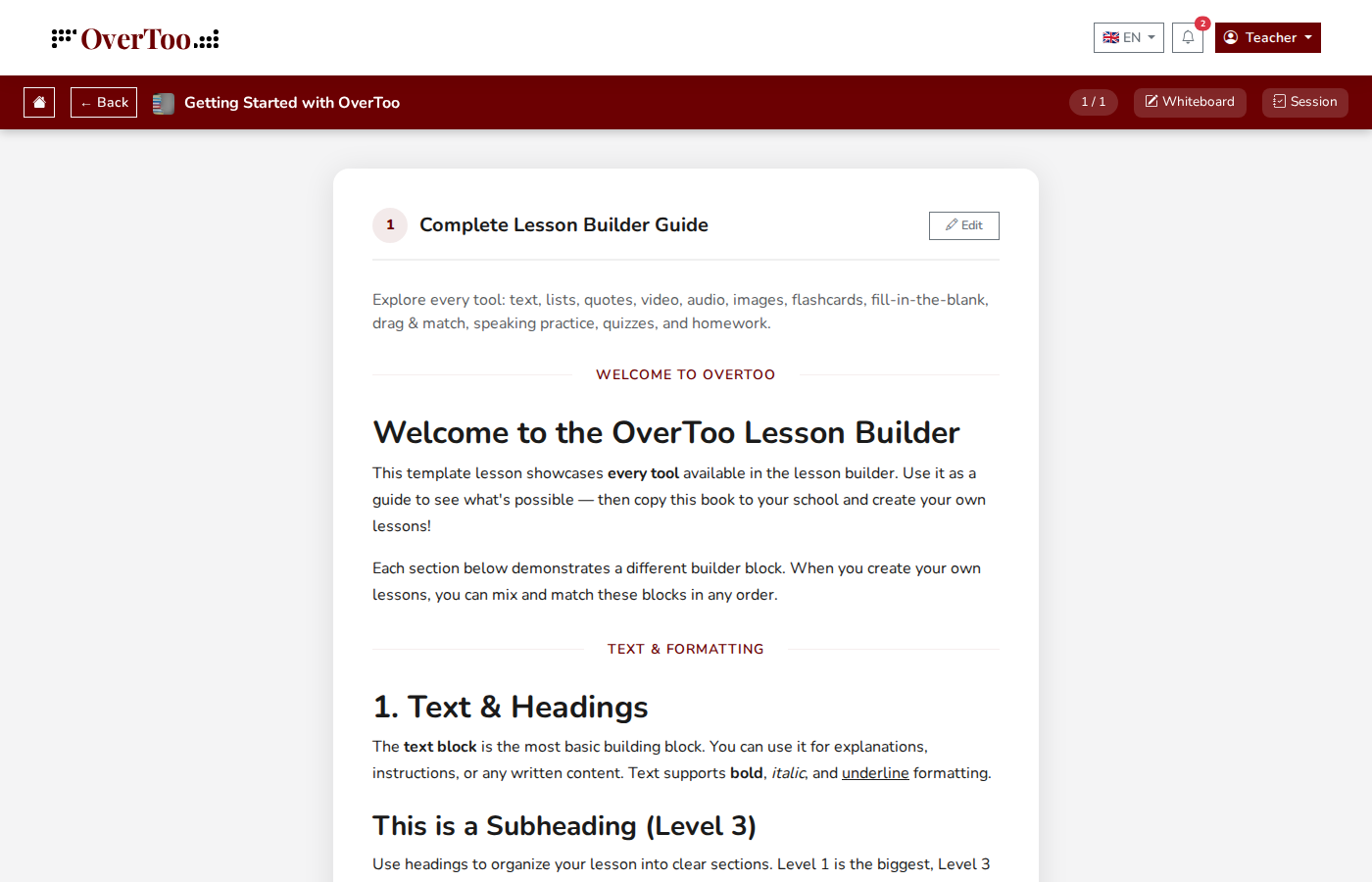
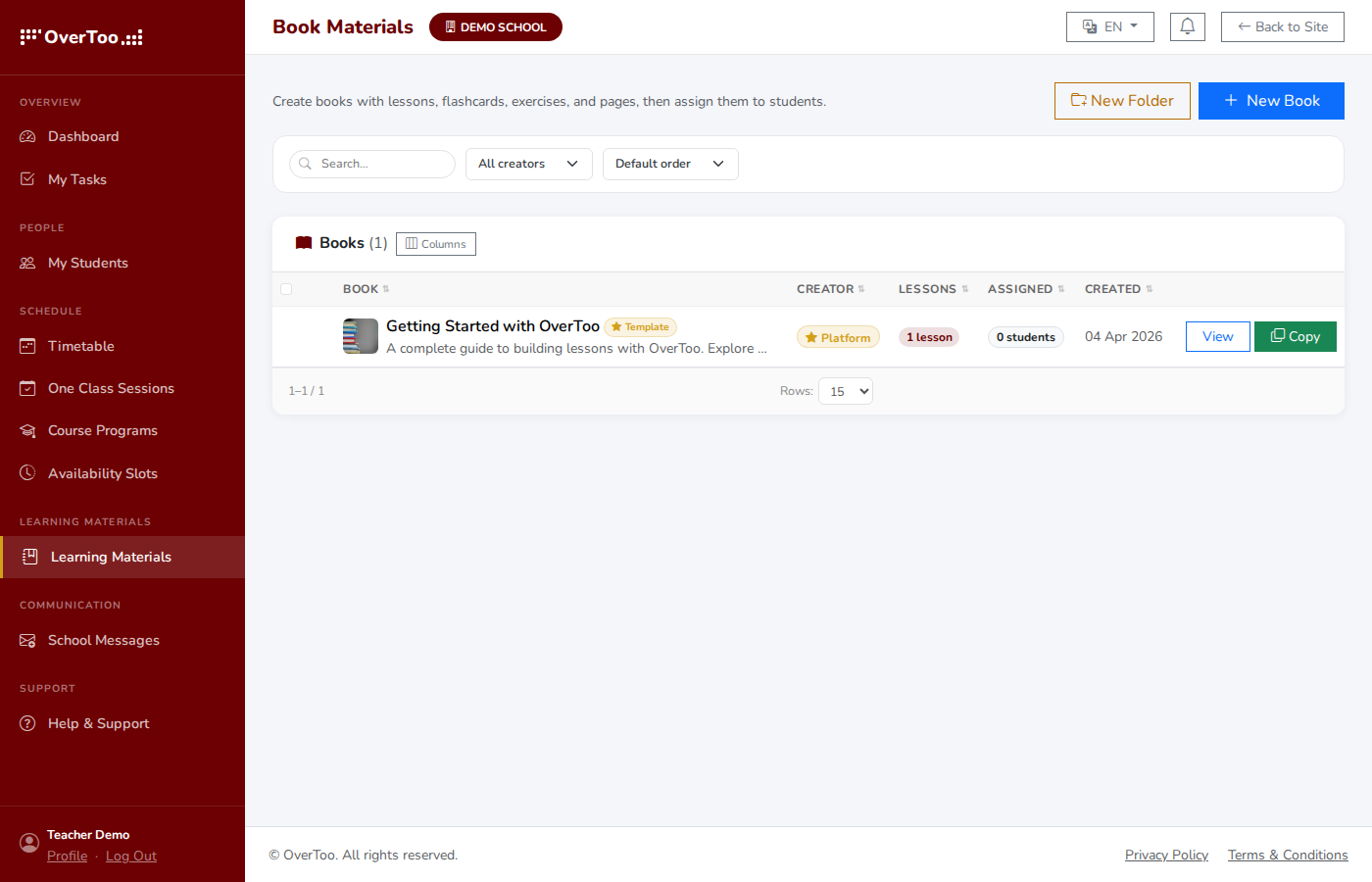
A focused workspace for the people teaching
Instructors see their schedule, their students, their materials. Nothing else. No admin clutter, no settings panels. Just the tools to actually run a class.
A simple view for the people attending
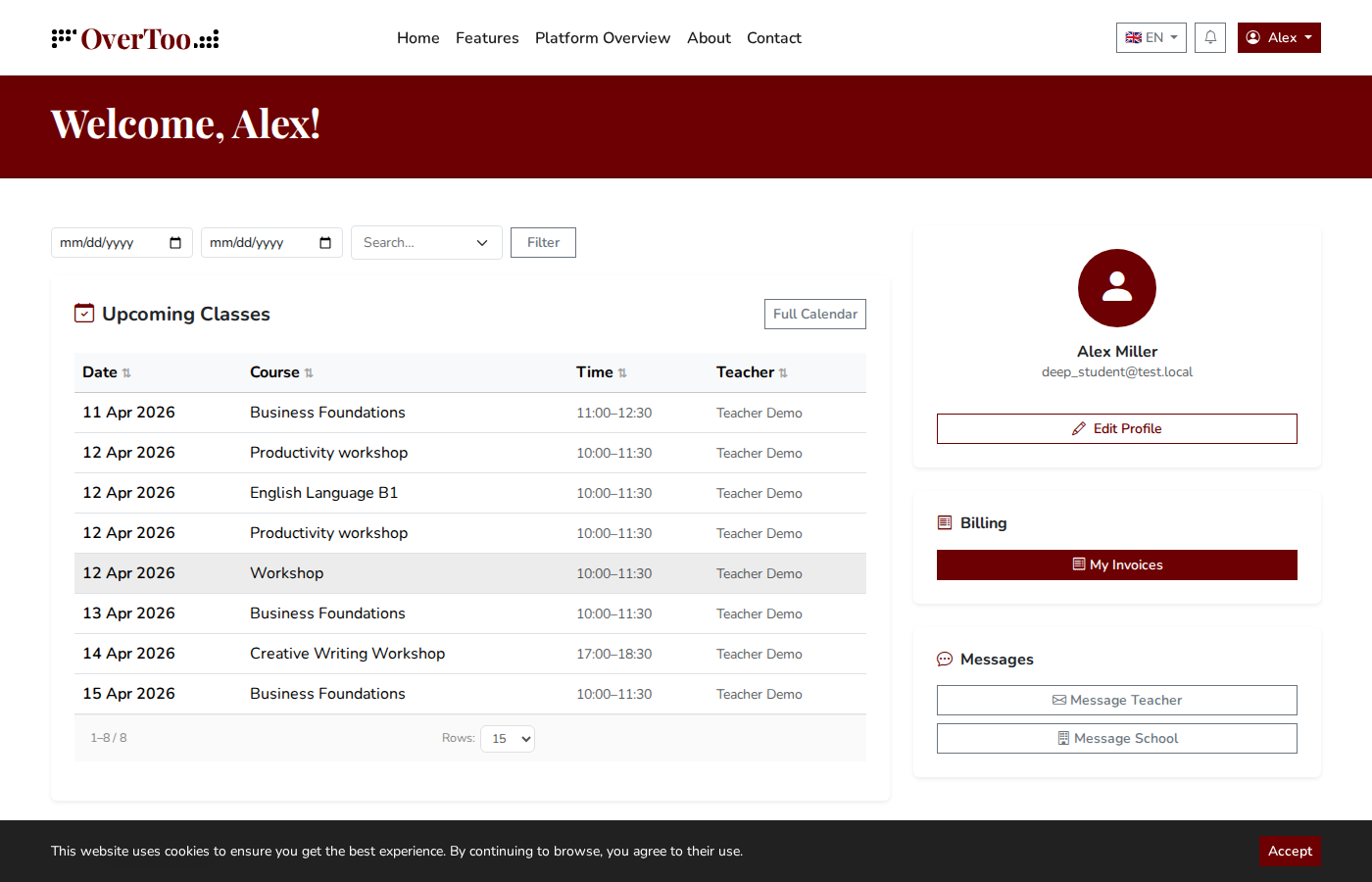
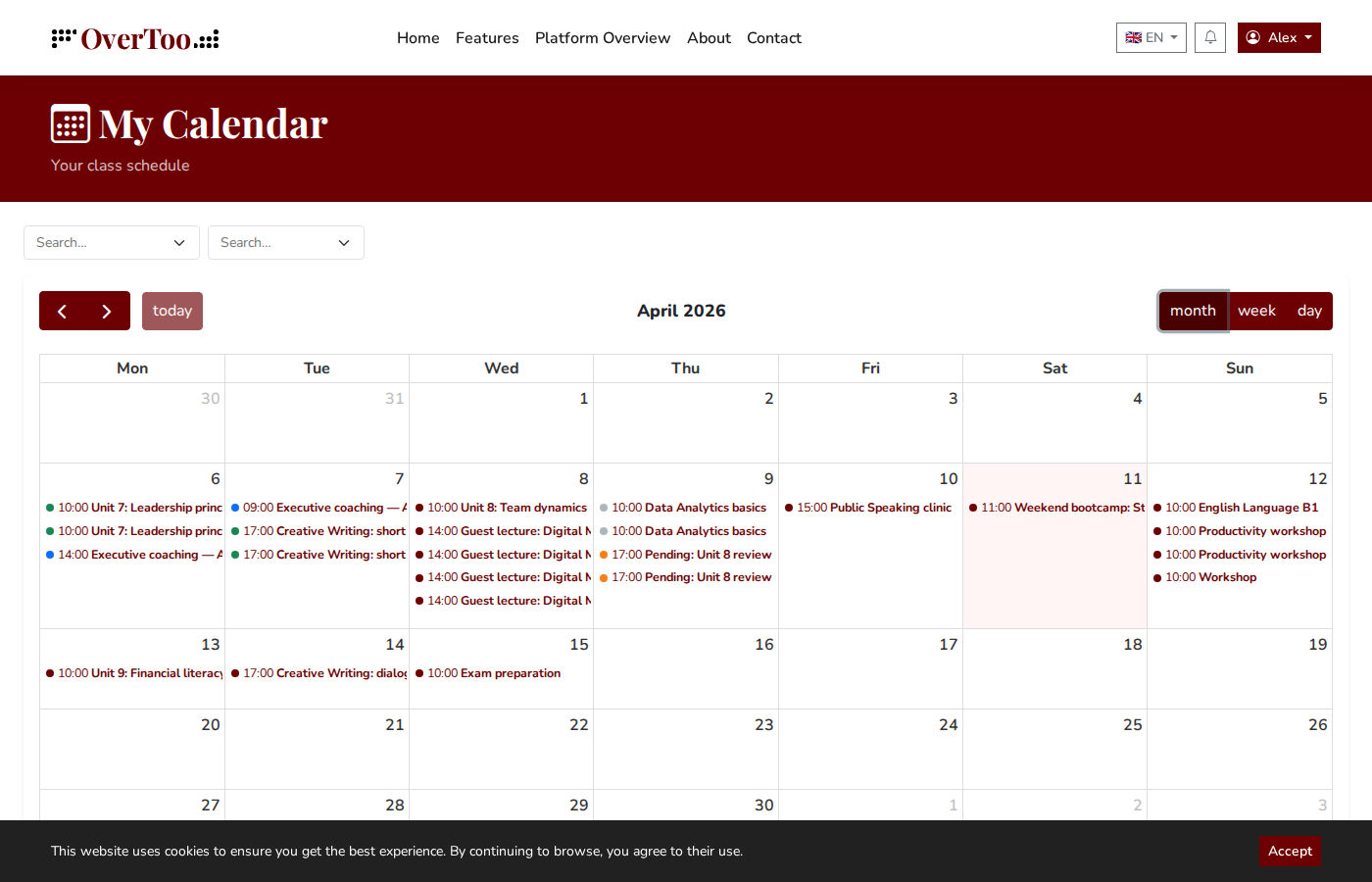
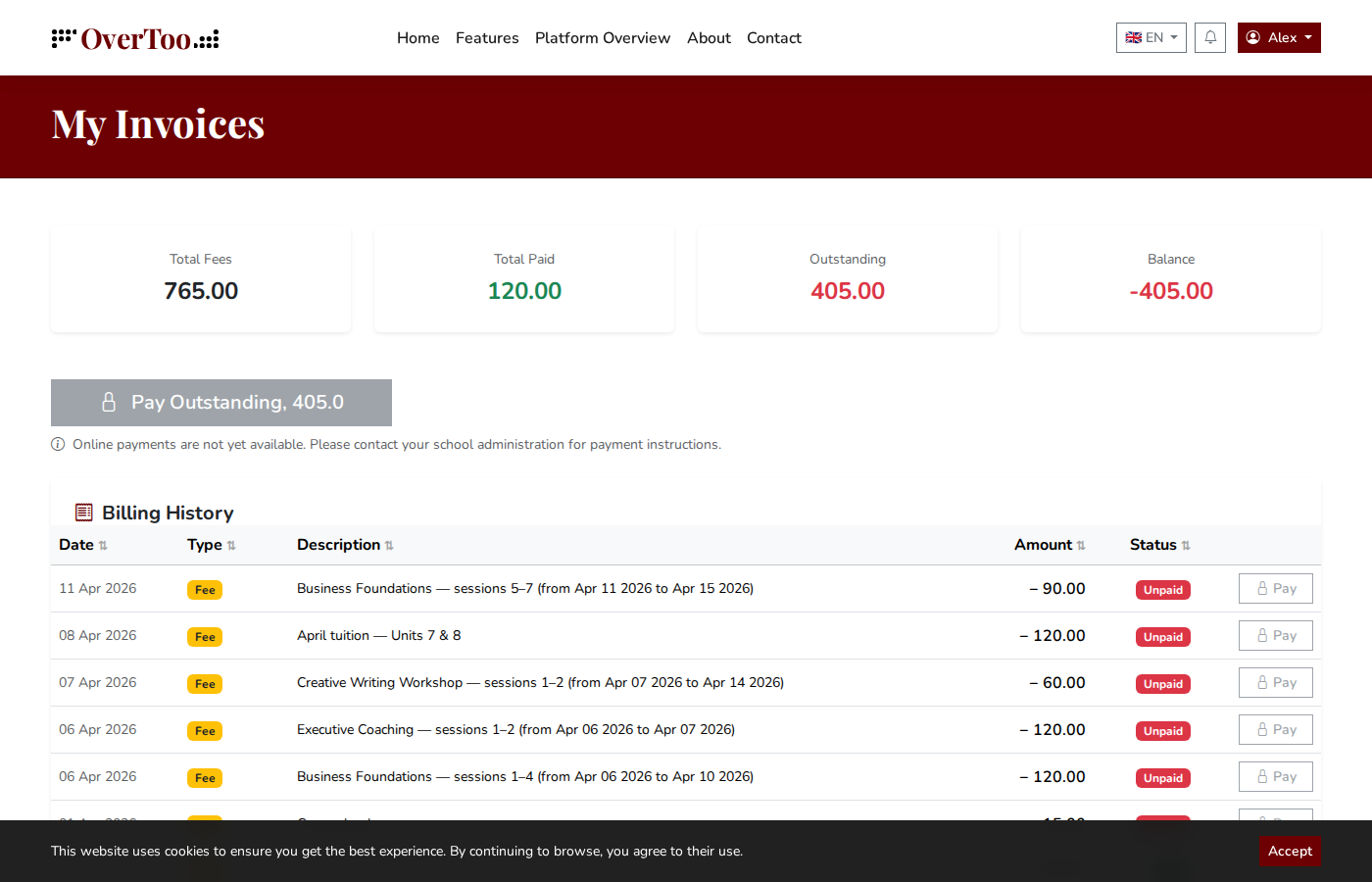
Students or participants see what is next: upcoming classes, course materials, their calendar, their invoices. They can pay online, and they only see what is tailored for them.
See how it works with your own account.
Sign up, add your people and your schedule. Everything else is already built in.
Start Free Trial